Snap your fridge.
Get dinner
in seconds.
Take one photo. SnapChef spots what you've got and gives you 4 recipes you can cook right now, from food you already own. Then cook mode walks you through every step, with timers.
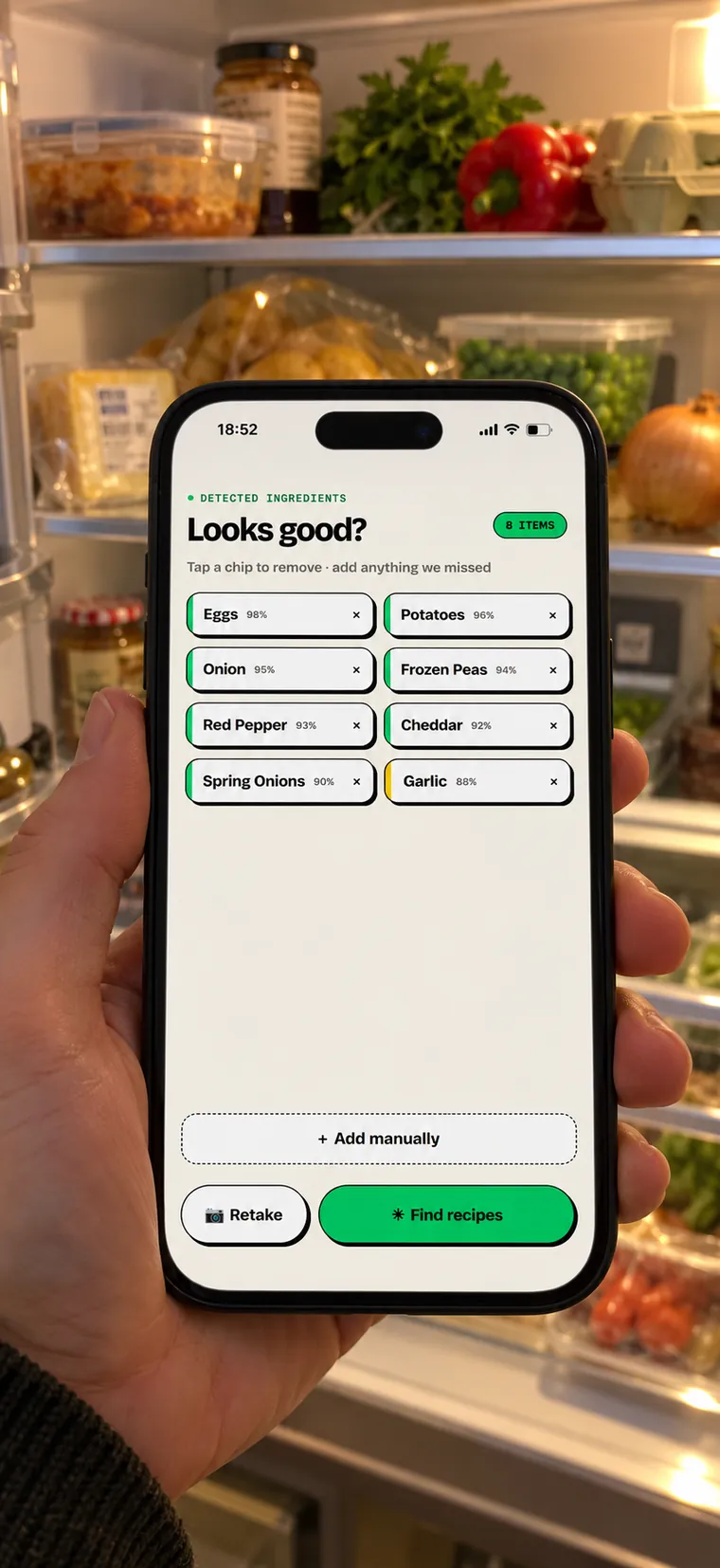
A full fridge.
Still no idea what's for dinner.
SnapChef starts from what you already have, not from a recipe you'd have to shop for.
Fridge to recipe in three taps.
Snap the fridge
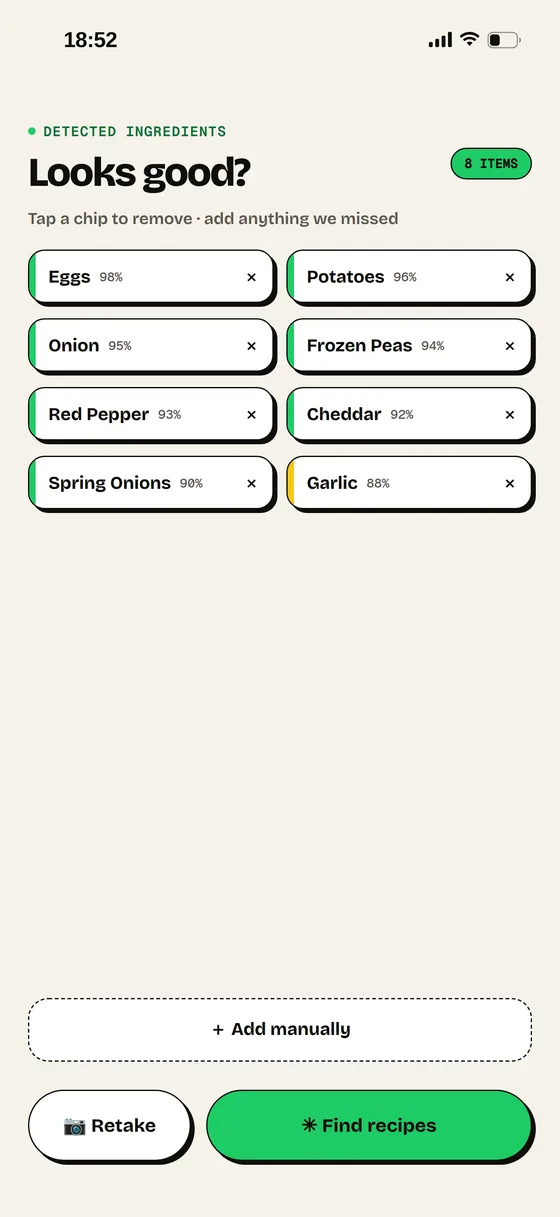
Open the door, take one photo. SnapChef lists what it sees. Tap anything it got wrong to remove it.
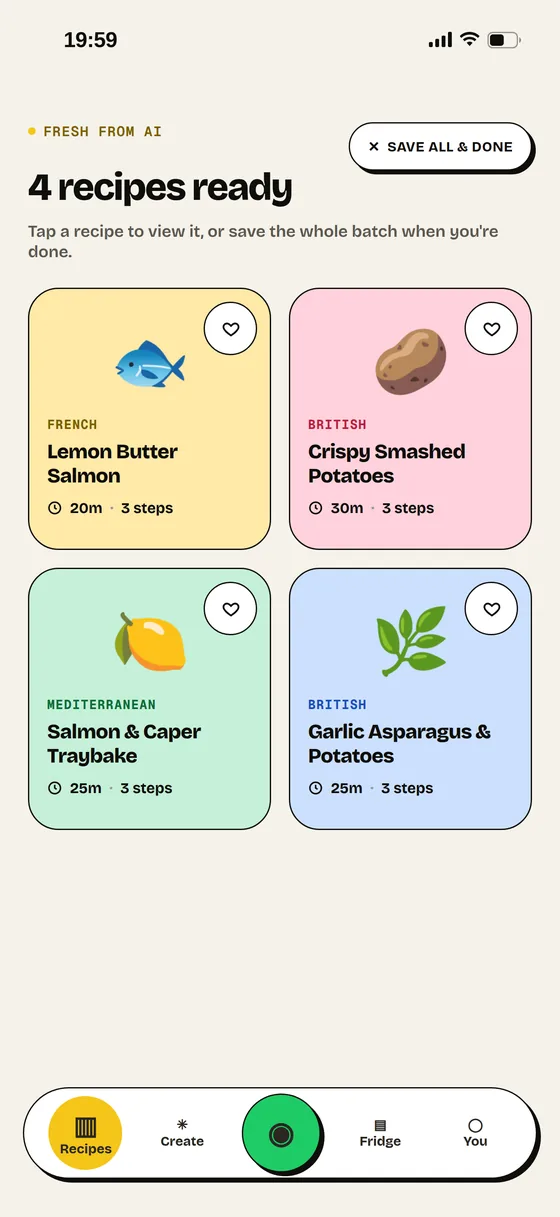
Get 4 recipes
Four different dishes built around your ingredients, your diet and the time you've got.
Cook along
Big, clear steps that explain why each one matters, with a timer right there when you need it.
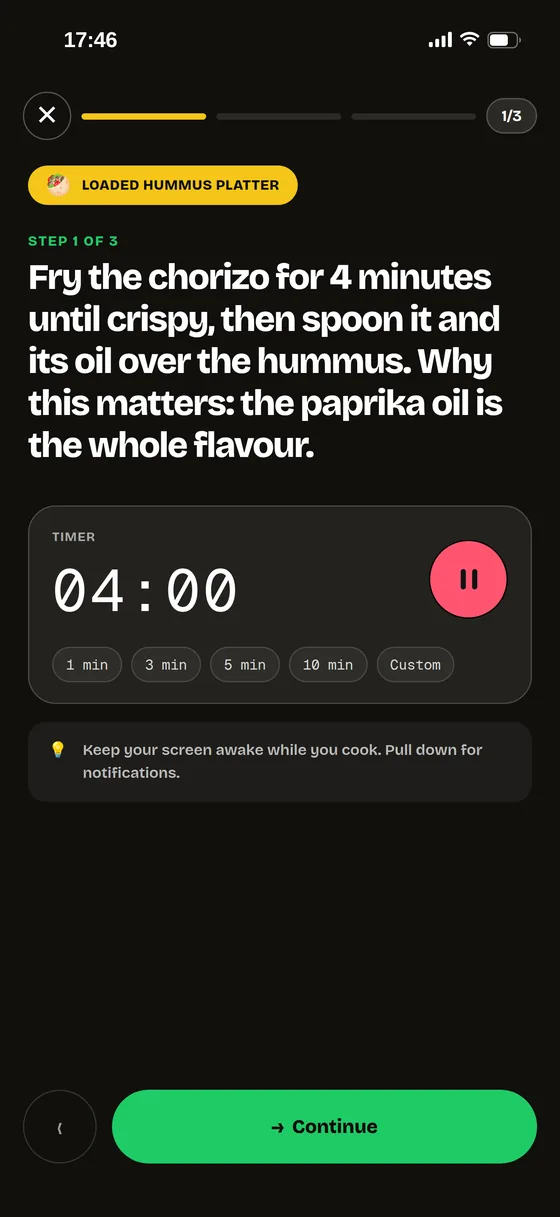
Everything between "I'm hungry" and "that was good."
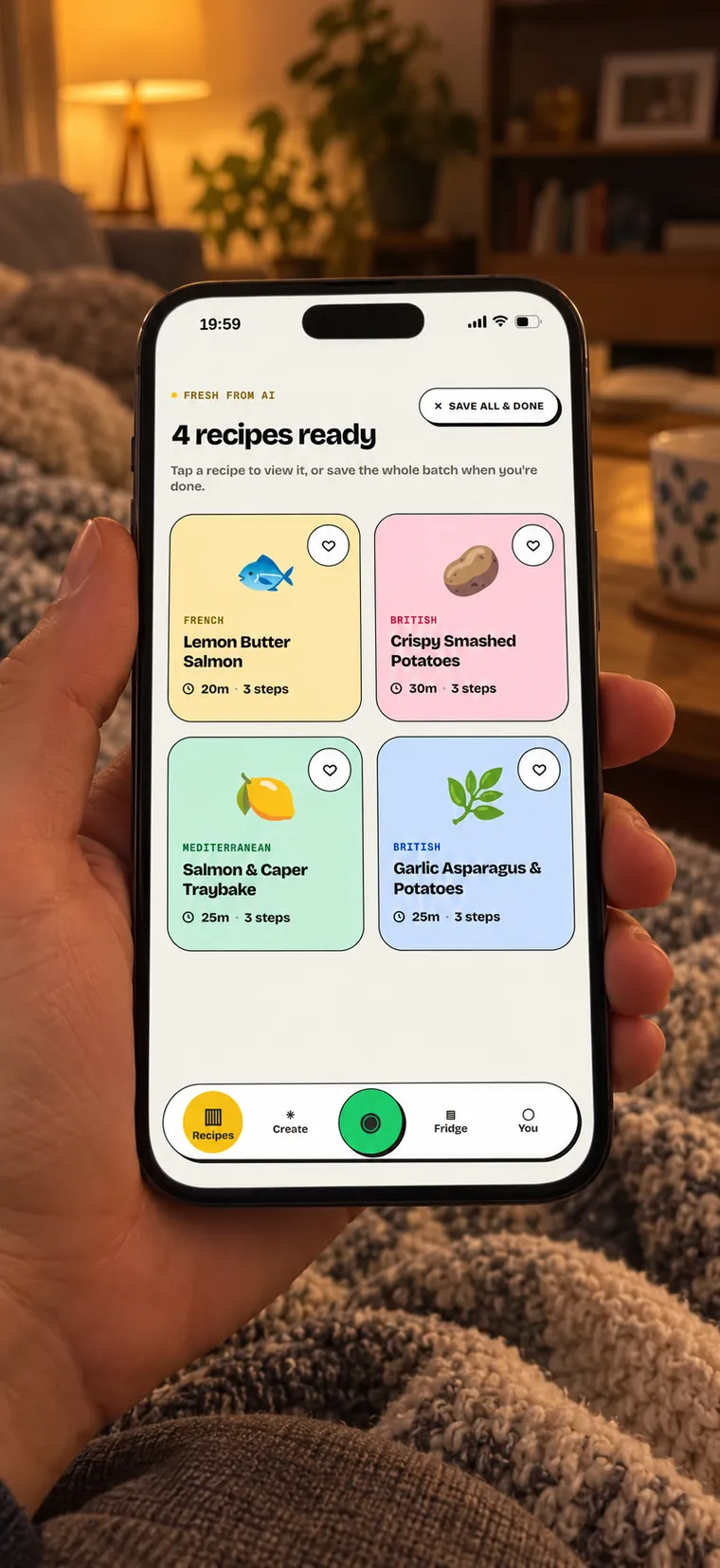
Dinner ideas that fit your fridge, not someone else's shopping list.
Every batch is made for you: what's in, what you eat, how long you've got. Don't fancy any of them? Snap again or edit the list.
- 4 different recipes from one photo
- Save your diet and allergy preferences to guide recipe suggestions.
- Pick "15 minutes or less" for busy weeknights
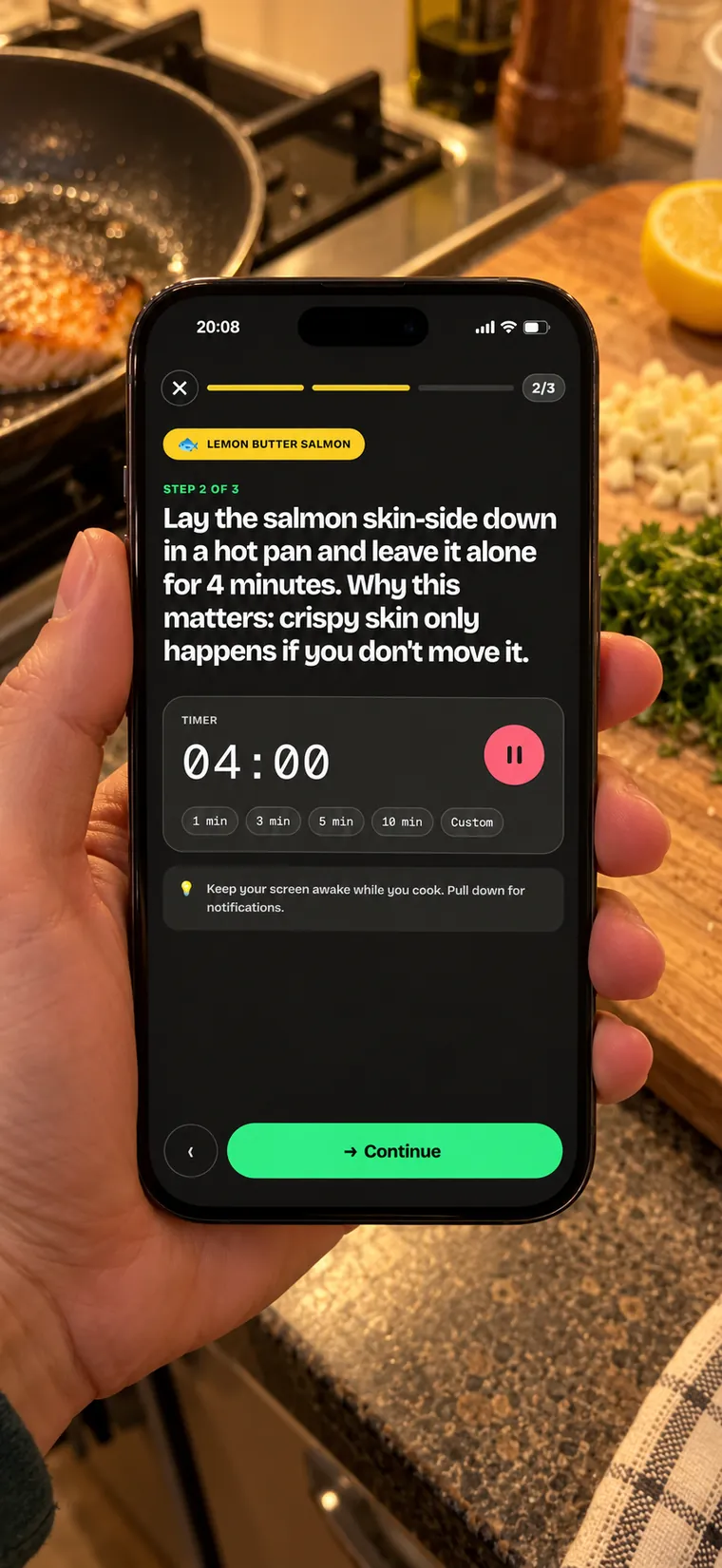
Big steps. Live timers. Messy hands OK.
Cook mode shows one step at a time in text you can read from across the kitchen, and tells you why it matters, so it actually turns out right.
- One step per screen, no scrolling with floury fingers
- Built-in timers: 1, 3, 5 or 10 minutes, or set your own
- Each step explains the why, not just the what
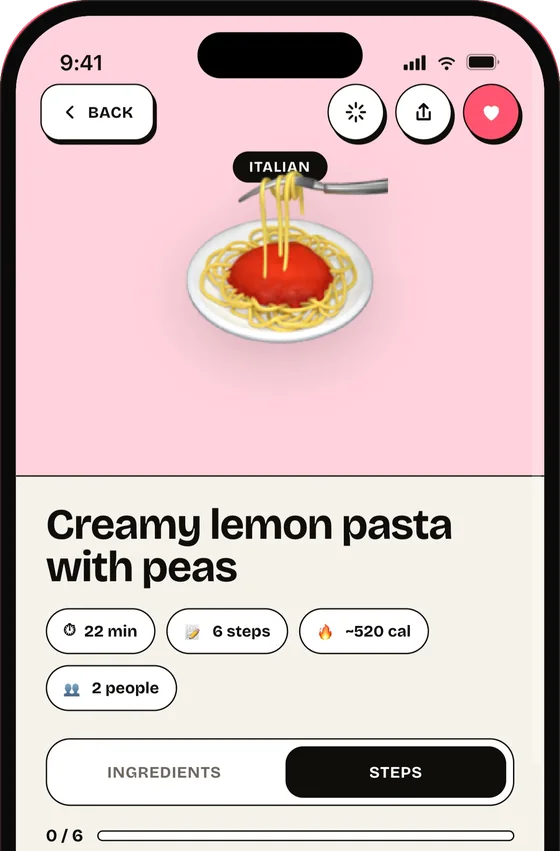
Know what's in every serving.
Each recipe shows estimated calories, protein, carbs and fat per serving. Cooking for more people? Change the servings and the quantities follow.
- Calories and macros on every recipe
- Easy to spot the high-protein options
- Ingredients scale with the number of servings
- Send missing ingredients to your shopping list
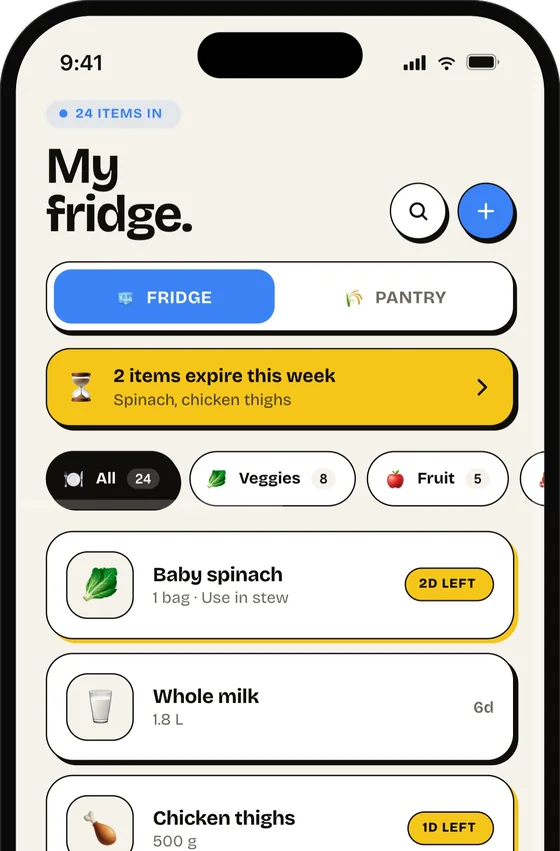
Use it before it goes off.
SnapChef keeps track of your fridge and pantry and warns you what expires in the next few days. Free on every plan.
- Smart pantry with expiry tracking
- Premium removes the daily recipe limit
- Save as many recipes as you like
Whatever tonight looks like.
The kind of dinners SnapChef builds from everyday fridges. Yours depend on what you snap.

From the chicken, peppers and rice you already bought.
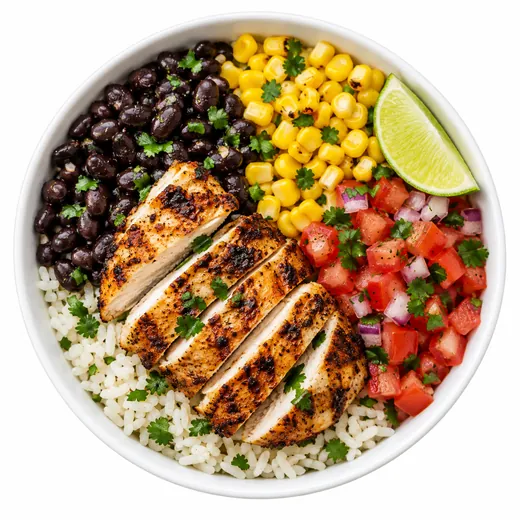
Protein per serving shown before you start.
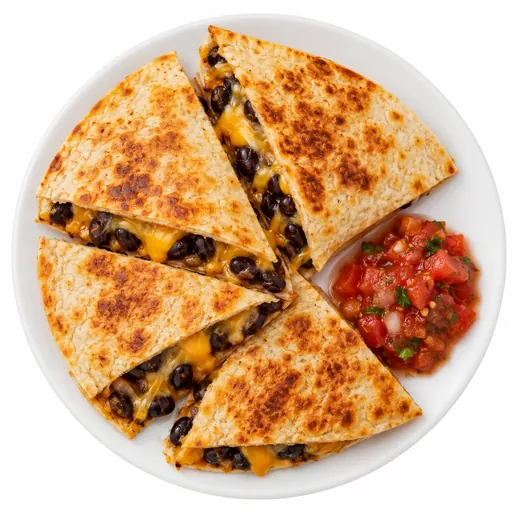
Cupboard basics, no extra shop.
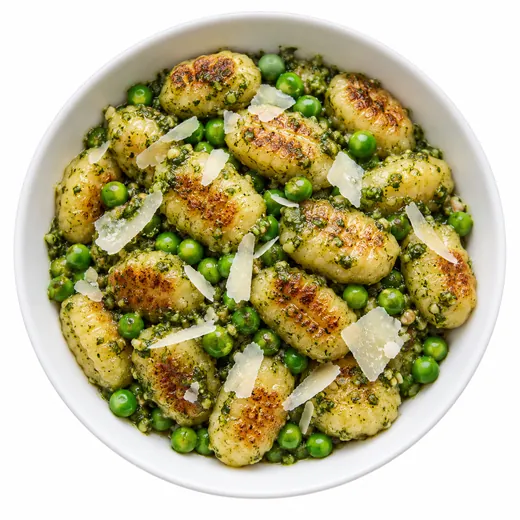
Set a time limit and only get quick recipes.
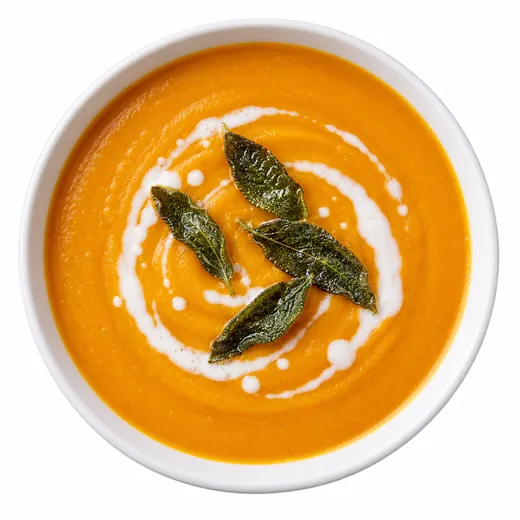
The veg at the back of the drawer, sorted.
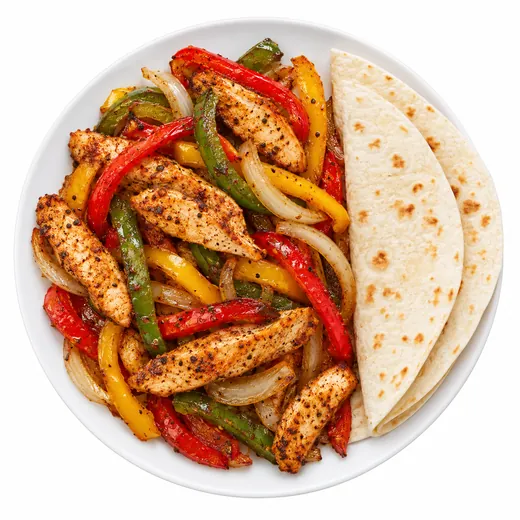
Cook once, lunches for the week.
Food photos illustrate the kind of dishes SnapChef suggests.
Recipe apps start with a recipe. SnapChef starts with your fridge.
The usual way
- Scroll recipes for 15 minutes
- Find one you like
- Realise you're missing three things
- Go to the shop, or give up and order in
With SnapChef
- Open the fridge, take one photo
- Check the ingredients it found
- Pick one of 4 recipes made for them
- Cook along, step by step
Your fridge is your business.
Your photo is sent securely to an AI model through OpenRouter (currently OpenAI) only to find ingredients and make your recipes, then discarded. We don't keep it on our servers, share it or use it to train models. Read the privacy policy.
Quick answers.
Do I need to type in my ingredients? +
No, that's the whole point. One photo of your open fridge and SnapChef reads the shelves for you. You can add or remove items by hand if it missed something.
How does the ingredient detection work? +
You take one photo of your fridge or pantry, and SnapChef sends it to a vision AI (currently OpenAI, through OpenRouter) that identifies the food items and shows you what it found before making recipes.
Is it really free? +
Yes. The free plan gives you three recipe generations a day, for as long as you like, with no card and no ads. Premium removes the daily limit on recipe generations, with a 7-day free trial. The fridge tracker, saved recipes and diet preferences are free on every plan.
Does it handle allergies and diets? +
SnapChef uses your saved diet and allergy preferences when requesting recipe ideas. Recipe suggestions are not an allergy-safety check. Always check every ingredient and product label before cooking.
What happens to my photos? +
Your photo is used only to detect ingredients and generate your recipes, then discarded. We don't keep it on our servers, share it, or use it to train models. Full details are in our Privacy Policy.
How do I cancel or restore a purchase? +
Subscriptions are managed by Apple: iPhone Settings → your name → Subscriptions. To restore, open SnapChef Settings, tap your plan, then Restore purchases, with the same Apple ID.
Is there an Android version? +
SnapChef is on iPhone today. Email hello@hibernyte.com if you'd like to hear when Android is ready.
How do I get support? +
Email hello@hibernyte.com or tap Help & FAQs in the app's Settings. More answers, including how to delete your account, are on our Support page.
Tonight's dinner is already in your fridge.
Snap it. Pick one of 4 recipes. Cook. Free to start, no ads.